Find your niche.Write in your voice.Keep it on your desktop.
Inkspring is becoming a private desktop studio for research and writing. Find what your niche is talking about, craft text posts, threads, and single-image posts in your voice, or paste a post from X and get a witty reply worth sending. Bring your own AI and scraping keys. No Inkspring account, no hosted workspace.
From a hunch to a post,
without leaving your desk.
Gather what your niche is already saying.
Save notes and references, pull public Instagram posts through Apify, or search X with your own token.
Craft posts, threads, and image posts in your voice.
Pick Claude or OpenAI with your own key. Use a photo of your own, or generate one with an OpenAI key.
Paste a post. Get a reply worth sending.
Paste the text, or the link with an X Bearer Token, and get a witty reply in 280 characters or less. With an OpenAI key, it comes with a matching image.
Paste a post.
Reply like you meant it.
Paste a post’s text or link from X and get a witty reply in 280 characters or less. Try it below with a few example posts.
Every productivity app is just a to-do list wearing a different hoodie.
Examples use imagined accounts. Replies are drafts, and nothing posts until you say so. Fetching a post from its link needs an X Bearer Token; images need an OpenAI key.
One image.
One clear idea.
Write the caption and pair it with a photo of your own or an image generated with your OpenAI key. Copy or save the image when it’s done.

Built it in one night. Spent the next six debugging it.
#buildinpublic · #devlife
Buying books and reading books are two different hobbies. I’m elite at one.
#booktok · #tsundoku
5am club update: awake for nine minutes, already planning my nap.
#5amclub · #morningroutine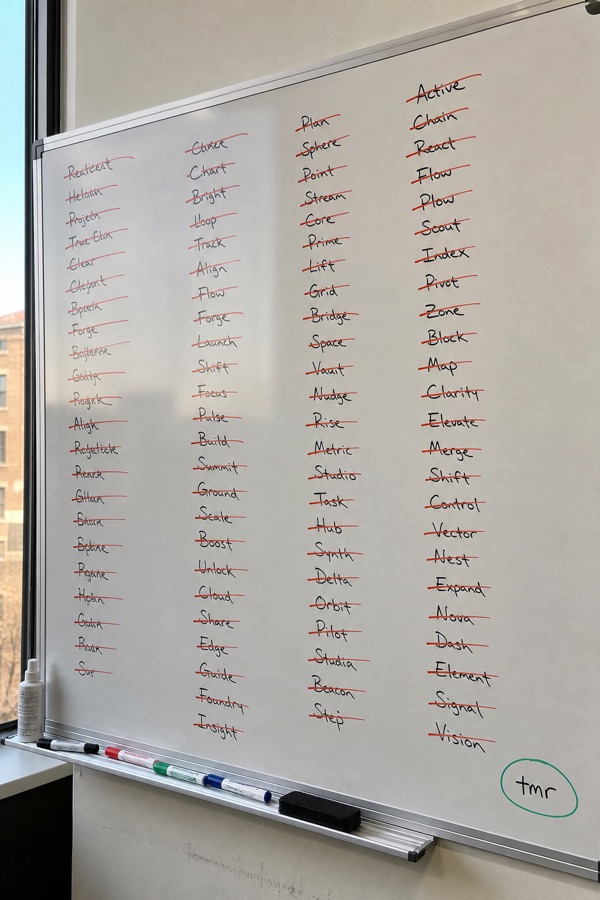
Naming the product took longer than building it.
#startups · #brandingIllustrative posts from imagined accounts, with images generated by gpt-image-2. Not customer results.
Built like a notebook,
not a platform.
- 01
A workspace that stays with you.
Projects, research, and drafts live on your computer. Open saved work without an internet connection. Export a workspace backup whenever you want to take it with you.
- 02
Your agent. Your API keys.
Choose Claude or OpenAI and bring your own API key. Your brief and selected references go directly to that provider when you ask for a draft. Image generation uses your OpenAI key. You pay the provider directly.
- 03
Research with a point of view.
Keep your own notes and references, fetch public Instagram posts through Apify, or research X with your own X API or Apify token. Bring the useful evidence into your next post or reply. Requests go to your chosen provider.
- 04
No Inkspring account. Just your studio.
Write, edit, organize, and export from the desktop app. Connect through supported Inkspring apps, or bring your own developer app, to publish to X (posts, threads, image posts, and replies), Instagram (single images), and LinkedIn or Reddit (text). Nothing posts automatically. Platform permissions and account requirements apply.
A studio on your desktop.
A workspace of your own.
Research, posts, replies, and room to think. Stored locally, with an agent you choose.
Public download coming soon. The Mac prototype is being tested. Social sign-in uses a supported Inkspring connection or your own developer app, subject to platform access. Image generation uses your own OpenAI or Gemini key, and Instagram images need public media URLs.
No Inkspring sign-in. No automatic cloud sync. Online AI and scraping features send requests to the providers you choose.
One newsletter.
All of Protomota.
Product updates and notes from the things I’m building. Join only if you want to.
Join the Protomota newsletterInkspring is part of Protomota, alongside Jotley and PulseCanvas Studio.
Free to use. Source available. View on GitHub
Explore ProtomotaMade for ideas.
Fueled by coffee.
Enjoying Inkspring? A coffee is a small way to support the person behind it.
Buy me a coffeeTips are optional. Every feature stays free. Your AI and scraping providers bill you separately.